Platform Dashboard
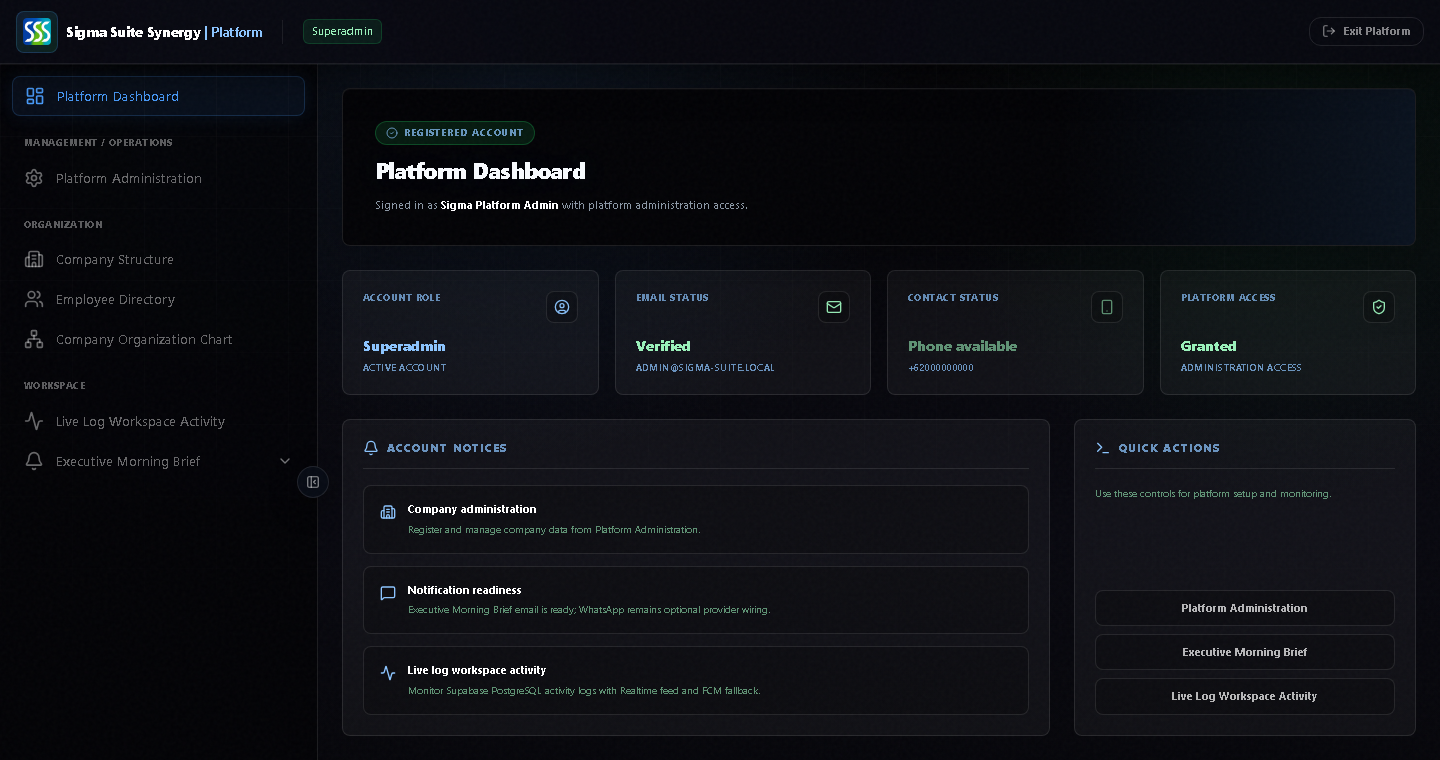

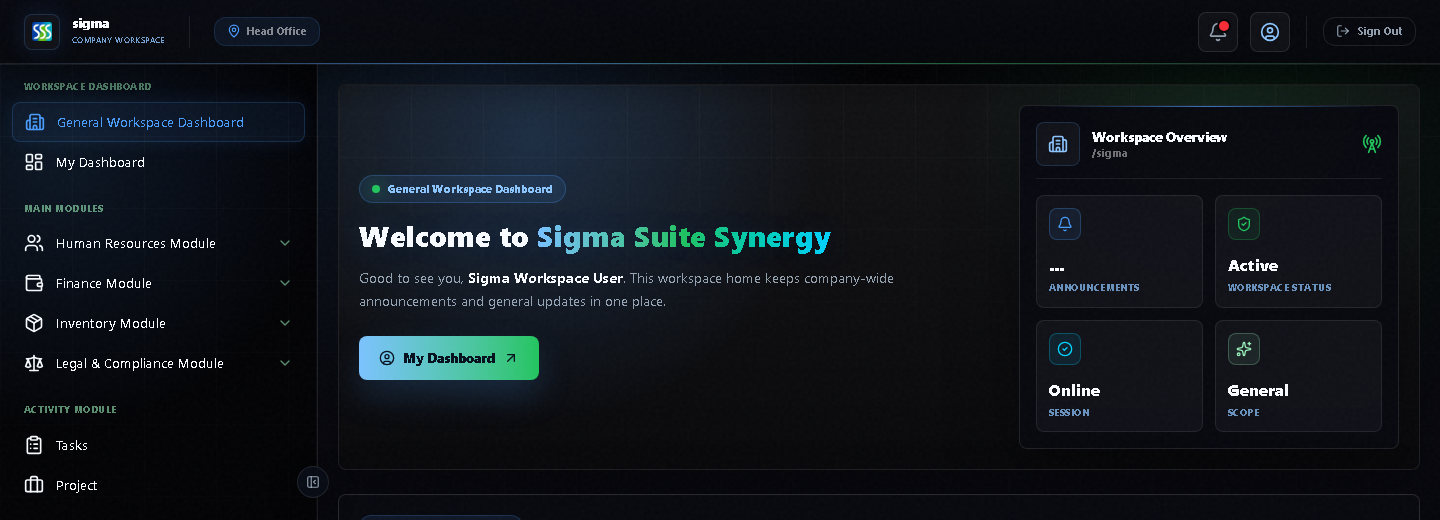
Use this page as an operational guide. Platform is for company administration, users, subscriptions, activity logs, and morning brief setup. Workspace is for daily operations across HR, finance, inventory, legal, projects, consultant workflows, geotech, and reports.
Platform admins manage the company control layer. Start from the left sidebar, then open the area you need.
Tinjau status akun, status email, kesiapan kontak, akses platform, dan aksi cepat.
Manage company status, subscription plan, user limits, branch limits, and notification entitlements.
Set up company structure, branches, and organization data.
Manage employees, account requests, and password requests.
Review and manage the company organigram.
Monitor workspace activity from one platform control layer.
Configure Brief Setup and Registered Executive recipients for morning brief delivery.
Workspace users use the left sidebar to move between modules. The visible sidebar items are the main modules available for daily work.
Start from company-wide announcements and the workspace overview.
Use the personal dashboard for daily activity, attendance, leave, and personal exports.
Work with employee attendance, attendance logs, leave workflows, and workforce data.
Handle operational requests, reimbursement, cashflow, finance exports, and PDF outputs.
Use inventory, warehouse, and inventory operational request workflows.
Create request letters and manage legal document needs.
Manage tasks, project lists, and project registration.
Use permit, JSA, site project, operational claims, material request, and budget billing workflows.
Use site mapping, geology, hydrology, topography, soil investigation, lab tests, and design workflows.
Review technical work and approve engineering sign-off.
Open operational reports and consultant reporting.
Use Platform Login for company admins. Use Workspace Login for daily operational users.